

Executive Summary
A small law firm's first 30 days with legal AI. For a lawyer, this topic is not theoretical. It matters when a real matter has to move from documents, questions, and uncertainty into a client-facing piece of work.
The reader promise is practical: Learn a realistic 30-day adoption plan for a small legal team.. That is why the article treats AI as support for a specific legal task, not as a magic answer surface.
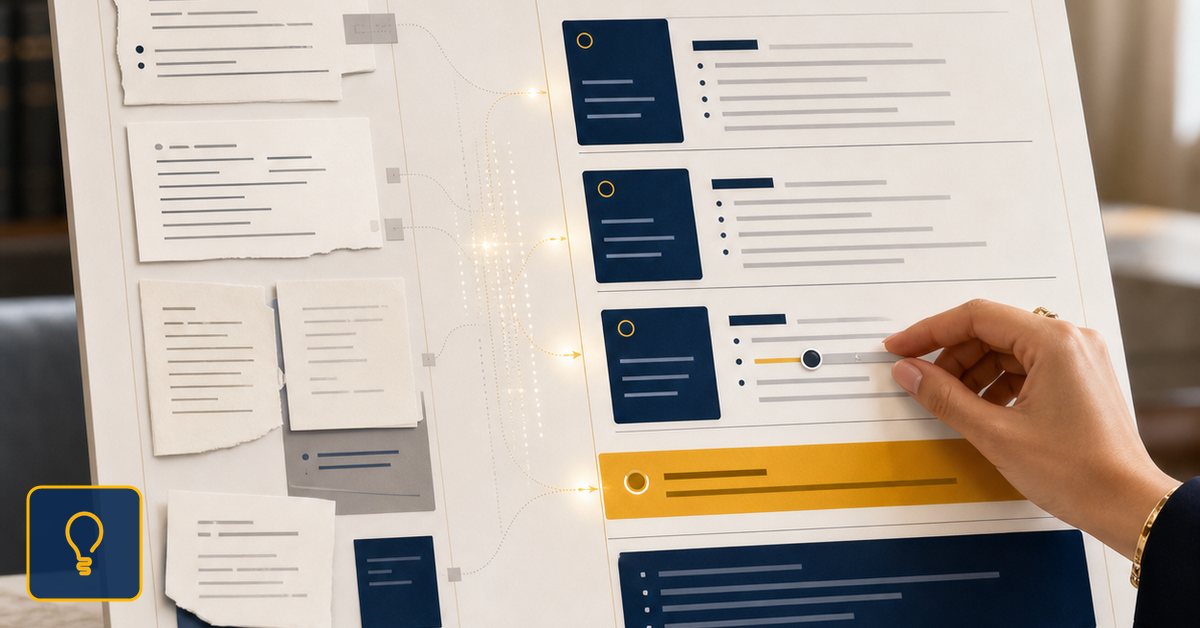
Selected context
The lawyer chooses the matter context and documents before the draft begins.
Structured drafting
The work moves through visible steps instead of a loose prompt exchange.
Final review
Professional judgment stays with the lawyer before client use.
Why Workflow Control Matters
In practice, a lawyer can start from legal AI adoption plan, select the relevant materials, define the intended output, and ask for a first structure. AI helps with organization and drafting, while the lawyer keeps the conclusion, limits, and professional tone.
Wisanna supports that kind of work through AI Chat, the Word add-in, and structured deliverables such as Draft Legal Opinion. The difference is not only technical. The work remains connected to documents, context, and lawyer review.
A useful test for any legal AI tool is whether it helps the lawyer ask a better question, see missing information, build a useful first version, and review the result before use.
That makes this week's topic a practical invitation: do not ask only whether AI can write text. Ask whether it helps you work more clearly, with less disorder, and with a professional decision that is easier to stand behind.
A Familiar Legal-Work Scenario
To apply the idea in a law office, begin with a narrow legal question. What has to be decided? Which documents support the analysis? What information is still missing? Which option can be explained to the client without hiding the risk? Those questions turn the theme into a working method, not a slogan about AI.
Then separate the stages. First documents and facts. Then a first structure. Then the points that need review. Finally, the recommendation or wording that the lawyer can own. A useful AI tool should help with those transitions instead of blending them into one long answer.
In Wisanna, that discipline connects with the way lawyers already work: AI Chat for exploration and wording, the Word add-in for drafting inside the document, and Draft Legal Opinion for more structured deliverables. Each capability matters when it is tied to a real legal task.
Where Wisanna Fits
A simple example is contract-clause analysis. The lawyer can start from the document, define the exact question, ask for a structure with options and risks, and then check every sentence before using it in client communication. In that scenario, AI is not the final authority. It is support for organizing the material.
Another example is a short legal opinion. Before the conclusion is drafted, the lawyer needs to see assumptions, missing facts, relevant documents, and points that could change the analysis. When those elements are separated, the work is easier to review. When they are hidden inside fluent prose, the risk increases.
That is why a good workflow does not begin with `write me a text`. It begins with the professional question: what does the lawyer have to decide, and what does the client need to understand? Only then does it make sense to ask for options, structure, alternative wording, or a shorter communication version.
A Practical Evaluation Test
For a legal team, this also creates consistency. If every deliverable passes through the same checkpoints - documents, facts, options, risk, recommendation, and review - colleagues can understand where the draft came from and what still needs attention. AI becomes part of a working standard, not an isolated improvisation.
For the law-office decision maker, the commercial question is concrete too: does the tool help produce clearer deliverables, save useful time, and reduce follow-up confusion from clients? If the answer is visible in the documents, workflow, and final review, AI can support the quality of legal service.
For the client, the better result is not only speed. It is clearer communication, a risk that is easier to understand, and a recommendation the lawyer can explain. For the firm, the benefit is less disorder: fewer scattered fragments, more consistency, and a more visible review path.
That is the standard for judging legal technology: it should help with a legal question, work with documents, reveal missing information, produce a useful first version, and leave final review with the lawyer. When those stages are clear, AI can become practical support for legal practice.
Try Lawyer-Controlled Legal AI Workflows
See how Wisanna helps lawyers organize documents, drafting, review, and final approval inside a professional legal AI workflow.
See Wisanna's lawyer-controlled workflow