

Executive Summary
A good client brief is not just a legal conclusion written in smoother language. It is an explanation the client can actually use: what happened, what legal question matters, what options exist, where the risks sit, and what should happen next. That is a useful role for AI in legal work, provided it is used for structure and clarity rather than final judgement.
The problem starts when AI is treated as a final-answer machine. A broad prompt can produce a long, fluent, persuasive-looking text. But a client usually does not need an essay. The client needs an explanation shaped around the matter, with key assumptions visible and the lawyer's recommendation expressed clearly.
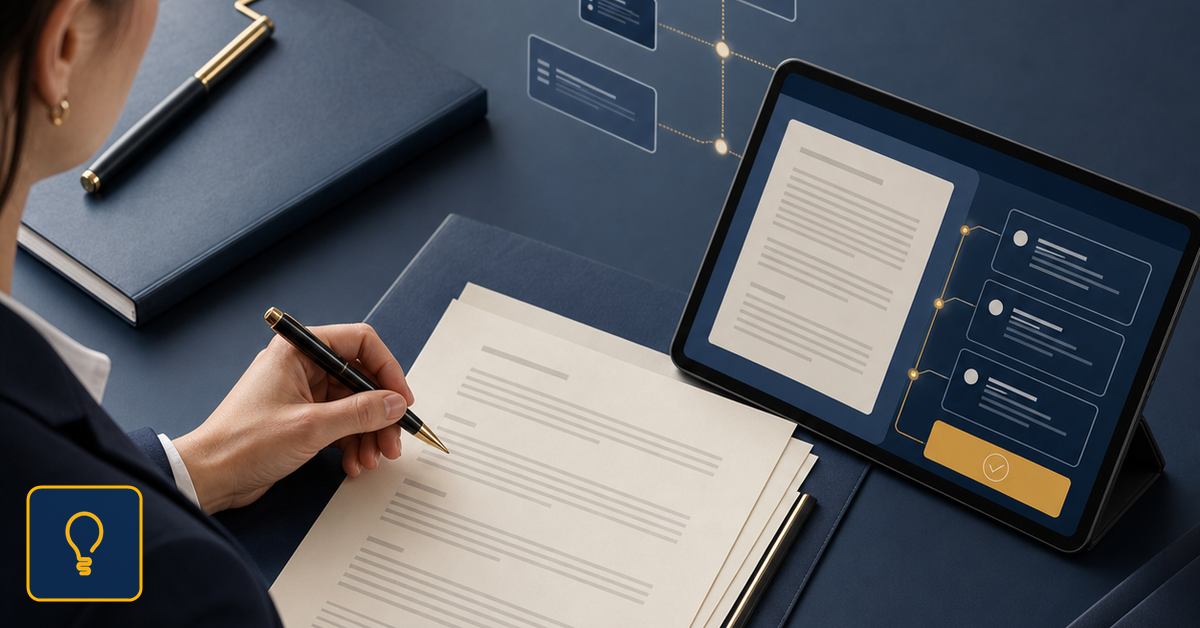
Selected context
The lawyer chooses the matter context and documents before the draft begins.
Structured drafting
The work moves through visible steps instead of a loose prompt exchange.
Final review
Professional judgment stays with the lawyer before client use.
Why Workflow Control Matters
For an AI-assisted brief, the starting point should be the legal task. A lawyer can ask for a structure with four parts: the client's problem, the relevant facts, the legal options, and the practical risks. Then the lawyer can ask for a shorter version, a list of follow-up questions, or wording that fits an email. The value comes from organizing the work.
Consider a simple example. A client sends a contract and asks whether a clause can be accepted. Instead of asking AI to analyze the clause in general, the lawyer can ask for a short brief: what the clause means, what risk it creates, what information is missing, what negotiation option could be proposed, and what preliminary conclusion could be communicated. The result is not final, but it becomes easier to review.
This is where a legal workspace differs from a generic AI surface. In Wisanna, the lawyer can start from documents and matter context, work on structure and drafting, and then review the result before it reaches the client. AI Chat supports exploration and wording. The Word add-in supports drafting where the lawyer already works. Draft Legal Opinion shows the same direction for more structured legal deliverables.
A Familiar Legal-Work Scenario
For briefs, the important rule is not to confuse clarity with certainty. A clear paragraph can still hide a wrong assumption. That is why the brief should also show what remains to be checked: missing documents, unconfirmed facts, client business decisions, or risks that must be accepted explicitly. That part is often more valuable than elegant phrasing.
A practical lawyer's sequence is simple: identify the brief audience, define the legal question, separate facts from conclusions, ask for options and risks, and then rewrite in your own professional voice. AI can accelerate the middle steps. The lawyer decides what stays, what changes, and what can be sent to the client.
For small and mid-sized firms, this discipline matters. Not every client needs a full legal opinion. Sometimes the client needs a short, well-structured, actionable explanation. If AI helps the lawyer reach that structure faster, the saved time comes from reducing disorder, not from reducing review.
Where Wisanna Fits
Wisanna should be evaluated through that lens. Can it help a lawyer turn legal materials into clearer client communication? Can it support the path from documents to options, risks, and recommendation? Can it keep the lawyer's role visible before the text is used? These questions are more useful than asking whether AI can write a brief.
A client brief remains professional work. AI can propose structure, compress information, and offer wording options. But recommendation, tone, limits, and final judgement belong to the lawyer. Used well, AI does not automate client communication. It can make it clearer, faster, and easier to review.
To make the brief useful, the lawyer also has to choose the level of detail. An entrepreneur may need three options and one main commercial risk. Another lawyer may need arguments, exceptions, and review points. An internal manager may need a short conclusion and operational next steps. AI can adapt the structure, but the lawyer chooses the audience and purpose.
A Practical Evaluation Test
In Wisanna, that logic can be applied without moving the work away from the legal materials. Documents, legal question, wording options, and review stay inside the same working frame. For a law office, that reduces the risk that a brief becomes a collection of polished ideas that are difficult to verify.
There is also a consistency benefit. If every brief starts from the same discipline - question, facts, options, risks, recommendation, and next step - clients receive more predictable communication and the office can collaborate more easily. AI becomes support for a working standard, not an improvised exercise each time.
That is why the client-brief topic is different from a general discussion about controlling AI. This is not only about review. It is about a concrete deliverable that appears often in legal practice, where clarity has commercial and professional value. A clearer brief can reduce follow-up email, speed up the client's decision, and make the lawyer's work easier to see.
Try Lawyer-Controlled Legal AI Workflows
See how Wisanna helps lawyers organize documents, drafting, review, and final approval inside a professional legal AI workflow.
See Wisanna's lawyer-controlled workflow